
Vibe Coding Mastery: Build Your Own Websites, Extensions & Tools with AI
No developer background needed. Use AI to build websites, Chrome extensions, and automation tools — learning hands-on from 4 products currently sold in this store.
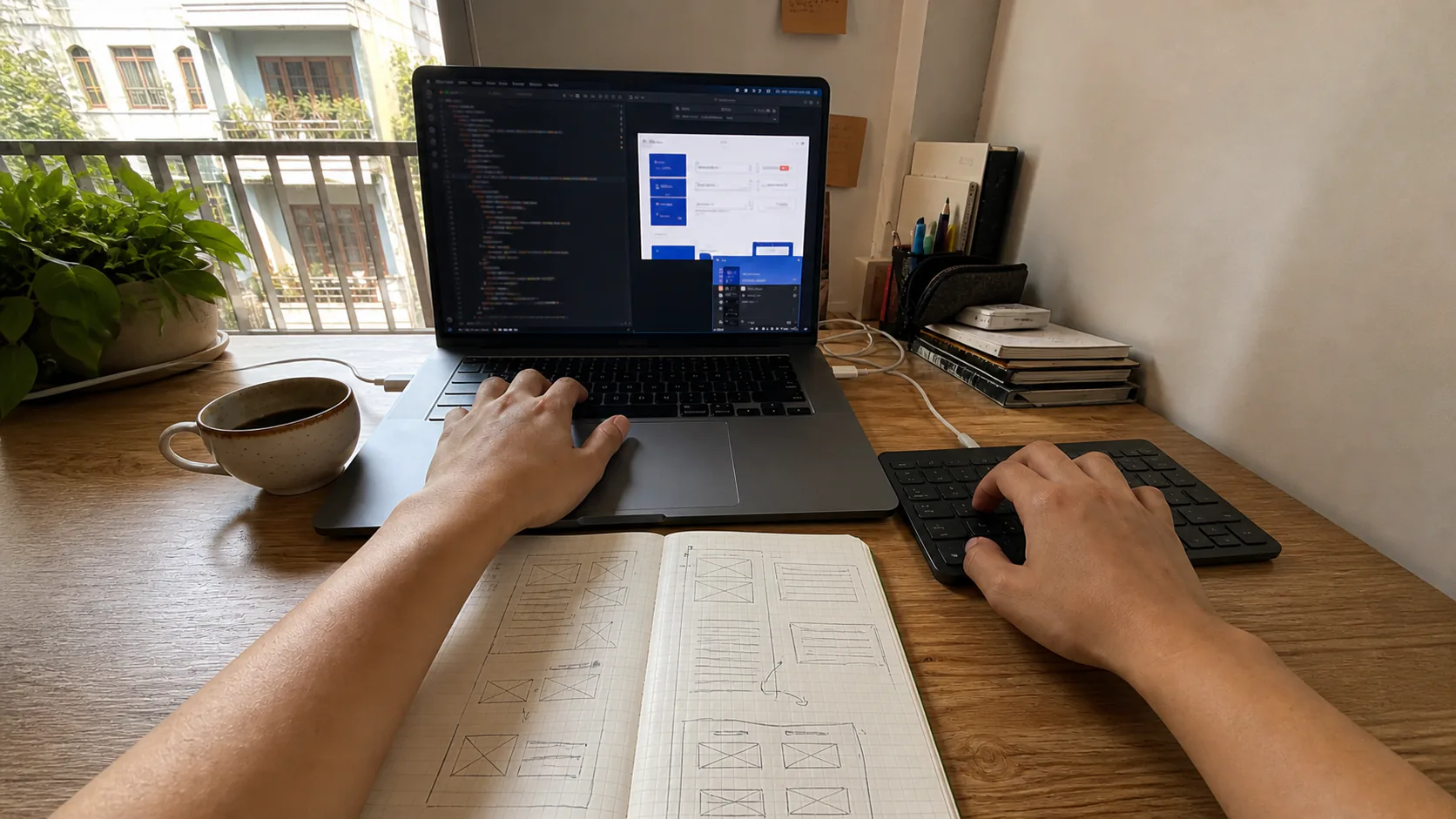
Learn to get real work done
Leave the course with a product of your own
Every theory section comes with a result you can check. You know who the course is for, what to prepare and which product you will finish.
This course suits you if
- Content creators or MMO (make money online) practitioners who want to build their own tools for everyday work
- People who don't work as programmers but are ready to learn how to read errors and check code generated by AI
- People who have already tried AI coding and want to finish a website, extension, or tool that can be deployed
What you need to prepare
- A computer that can install an editor, Node.js, Git, and Chrome
- Know how to work with files and folders, and be ready to use a terminal at a basic level
- Time to practice on your own; no professional programming experience needed
What you build with your own hands
A Deployable Product Landing Page
Build a page that sells one product with Next.js, configure the environment, and put it on Vercel.
A Chrome Extension for a Repetitive Task
Create an extension with a manifest, content script, and background script for a workflow you do often.
A Personal Automation Tool
Package a content- or data-processing task into a working tool with basic logging.
About
What does this course teach?
Roadmap
6 modules, from the basics to a working product
24 lessonsModule 1 — Tell the AI What You Mean
2 sessions- Why AI writes bad code: missing context, not missing ability
- How to structure a technical prompt that produces working code
- Reading AI-written code without knowing the syntax
- Environment setup: editor, terminal, and Git in 30 minutes
Outcome: Your own technical prompt kit, reusable in every later module.
Module 2 — Your First Website, Deployed for Real
3 sessions- Next.js: learn only the parts you need to get a page up
- Build a landing page that sells 1 product
- Deploy to Vercel, connect a domain, fix build errors
- Edit the layout with AI without breaking the page
Outcome: 1 landing page with its own domain, running on Vercel, that you can edit yourself.
Module 3 — Case Study: This Link-in-Bio Site
3 sessions- Breaking down the architecture: why Next.js + Supabase
- Supabase: tables, relations, and RLS at a practical level
- Dynamic product pages from the database
- Login, permissions, and environment variables
Outcome: A website with a database, login, and dynamic product pages.
Module 4 — Case Study: TikTok Pro Tools Extension
3 sessions- How an extension works: manifest, content script, background
- Breaking down TikTok Pro Tools: media download, creator analysis
- Build your own extension for the task you do most
- Packaging, installing locally, and avoiding the errors that get it blocked
Outcome: 1 Chrome Extension of your own that you can use every day.
Module 5 — Automation Tools for Your Own Work
3 sessions- Breaking down AI Dễ Ẹc: how a desktop tool is organized
- Breaking down Bar Địa Phủ: Unity 6 talking to Node.js through a bridge
- Scripts that automate what you do by hand today
- Calling AI APIs: generating content and batch-processing images/videos
Outcome: 1 tool that runs automatically and cuts out repetitive manual work.
Module 6 — Shipping a Product You Can Sell
2 sessions- Production checklist: env, logs, backups, rate limiting
- Never expose keys and secrets — the most common mistake
- Adding payments and a product sales page
- Maintenance: fixing bugs and shipping updates with AI
Outcome: A product with a sales page, payments, and a security checklist.
When you buy
What you get
- 6 modules, from zero to 3 real deployed products
- Case studies that break down 4 products sold in the store
- Chrome Extension: from manifest to a version you use every day
- Production web: Next.js + Supabase + Vercel, with env and auth
- A technical prompt kit so AI gets it right the first time
- Sample full source code + VIP Discord with direct support
Update history
Lesson additions
Updated- v2.1.0Latest
Added Learner Profile and Hands-On Photo Set
- Added who the course is for, the prerequisites and the estimated study time - Clarified the 3 end products: a landing page, a Chrome Extension and an automation tool - Added a dedicated FAQ for beginners, the tools to prepare and the scope of support - Replaced the cover with a Vibe Coding hands-on photo and added a landscape hero image for the detail page
Buy once to keep access and get every update of the product free for as long as it is developed. Each update is dated in the changelog.
Instructor
Who is behind this course

Ông Chú MMO
AI Strategist & MMO Expert
Personally builds and sells the tools, workflows, and extensions in the store. Every lesson is drawn from products that already run for real, not from theory.
Reviews
Reviews and comments
Ông Chú's promises
What do you get when you buy from Ông Chú MMO?
- Free updatesFor as long as the product is developed
- Automatic accessAs soon as payment is confirmed
- Replies within 24 hoursThrough the Contact page and Zalo
- Setup guidanceOn Zalo for buyers
- QR paymentQR Pay + bank transfer
- If it's our fault, you're covered7-day refund on faults
Frequently Asked Questions
You can start from module 1, but you will still need to learn how to use a terminal, read error messages, and check the AI's output yourself. The course does not fully replace foundational technical knowledge.
You need a computer that can install Node.js, Git, an editor, and Chrome. Some APIs or deployment services may have their own limits or costs; the lessons point out where a free tier can be used.
If you complete the practice exercises, you can build and deploy a small website, a Chrome Extension, and a sample automation tool on your own. Actual results depend on how much time you spend practicing and do not mean guaranteed income.
You get the sample source code and the VIP Discord channel to ask questions about the course content. Support focuses on diagnosing and fixing your own exercises; it does not extend to building the entire product for you.
You can use whichever coding agent you already have, such as Claude Code from Claude, Codex from ChatGPT, or Gemini CLI from Gemini. Agents write and fix code quickly, but you still need to review the changes and test them yourself. The course does not include an AI account.